What Is the Ideal Temperature Inside the Freezer?
Many people struggle with keeping frozen food fresh, avoiding freezer burn, and knowing whether their appliance is cold enough. You’re not alone—setting the ideal temperature inside the freezer can make a noticeable difference in food quality and safety.
In this roundup, we’ll explore products and practical tips to help you maintain the right temperature with confidence.
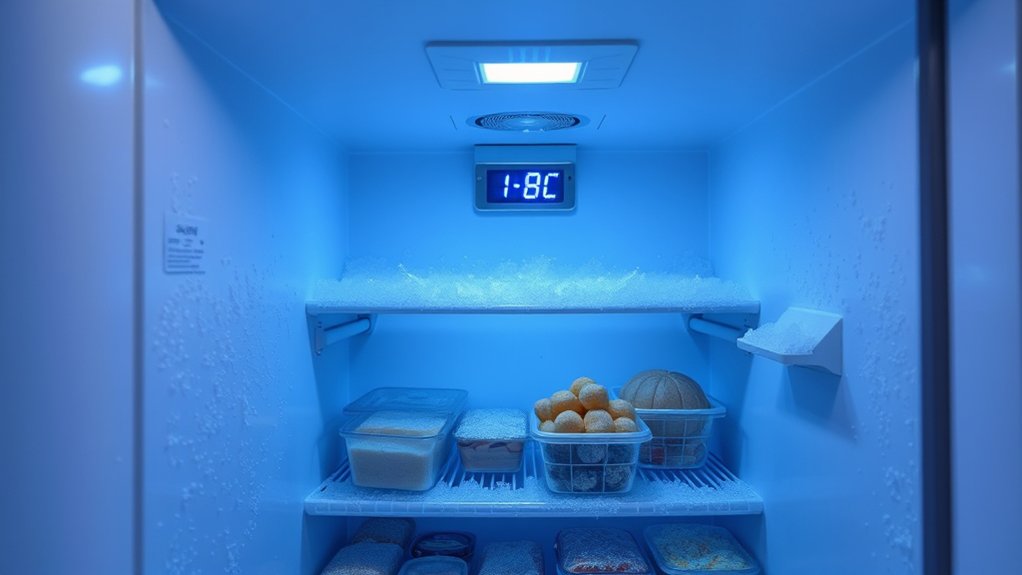
You should set your freezer to 0°F (−18°C) to keep food safe and tasting its best; that temperature halts most bacterial growth, limits ice crystal damage, and reduces freezer burn.
Check accuracy with a thermometer in the center, avoid overpacking, and seal items tightly to maintain steady cold.
Adjust via the dial or digital controls and monitor for fluctuations.
Keep these basics in mind — continue for tips on organization, troubleshooting, and when to call a pro.
Key Takeaways
- Set the freezer to 0°F (−18°C) for optimal food safety, quality, and long-term storage.
- Temperatures between −10°F and 0°F (−23°C to −18°C) also maintain quality, but colder settings increase energy use.
- Keep meat, fish, and long-term items at 0°F (−18°C) or colder to prevent bacterial growth and spoilage.
- Use a reliable thermometer in the freezer center, and check readings for several hours to confirm accuracy.
- Maintain a consistent temperature by avoiding frequent door openings, not overpacking, and ensuring good door seals.
The Ideal Freezer Temperature Range (Answer Up Front)
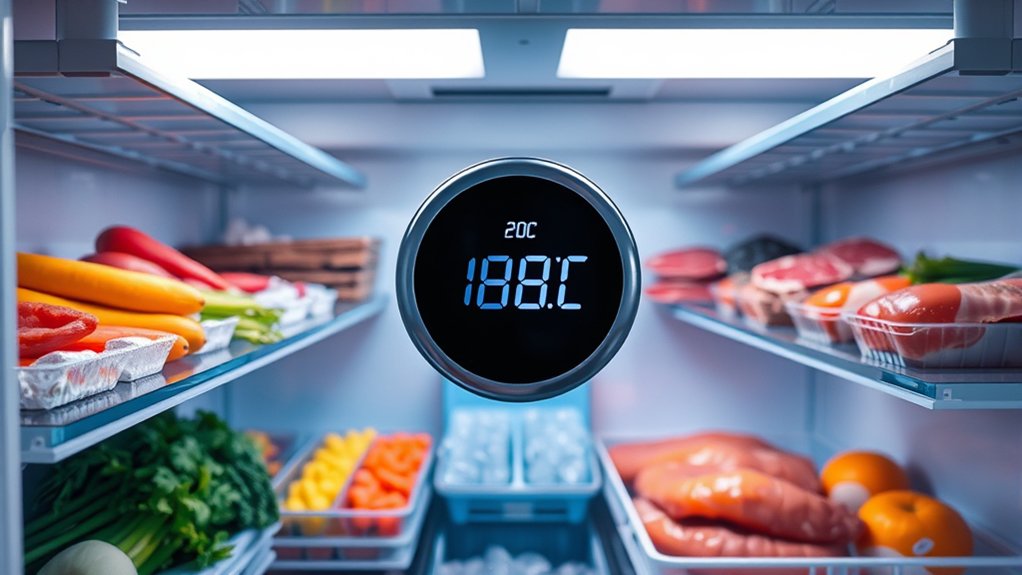
If you want food to stay safe and maintain quality, set your freezer between -10°F and 0°F (about -23°C to -18°C); this range keeps most foods properly frozen without overworking the appliance. You’ll preserve texture and flavor, prevent bacterial growth, and reduce freezer burn when you keep temperatures steady.
Aim for consistency: avoid frequent door openings and overloading shelves so air can circulate.
You’ll also want to contemplate practical features that support that temperature, like dependable seals and effective interior lighting so you can spot items quickly and minimize time the door’s open.
Freezer aesthetics matter when the unit’s in a visible space, but don’t sacrifice function for looks; choose models where design complements insulation and airflow.
In short, prioritize a stable -10°F to 0°F setting, maintain good organization, and use interior lighting and reliable construction to help you sustain that ideal environment.
How to Check Your Freezer Temperature Accurately
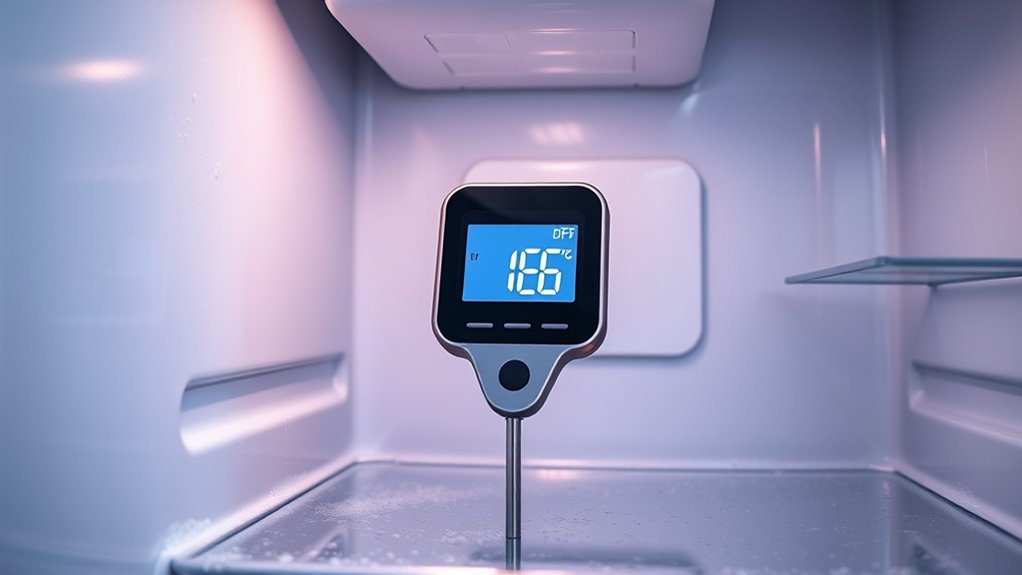
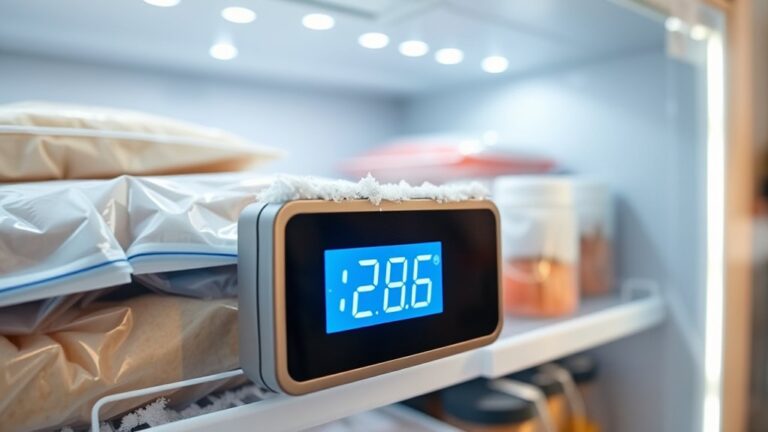
When you want to know whether your freezer’s doing its job, check the temperature with a reliable thermometer placed in the center of the compartment for several hours. This gives an accurate reading of the air where food sits.
Leave the door closed during the test and avoid placing the thermometer near vents or walls that reflect the effects of freezer insulation. If your unit has a built-in display, compare it to the independent thermometer to verify temperature calibration.
- Place an appliance thermometer in the center on a stable surface and close the door; wait 3–4 hours.
- Note the reading and compare with the freezer’s display to confirm temperature calibration and detect drift.
- Repeat the test in different compartments, such as drawers and door shelves, to check for temperature variation due to airflow or insulation issues.
Record results and test periodically to catch problems early without adjusting settings here. Calibration and insulation findings guide your next steps.
How to Adjust Your Freezer Temperature (Freezer Types & Brands)
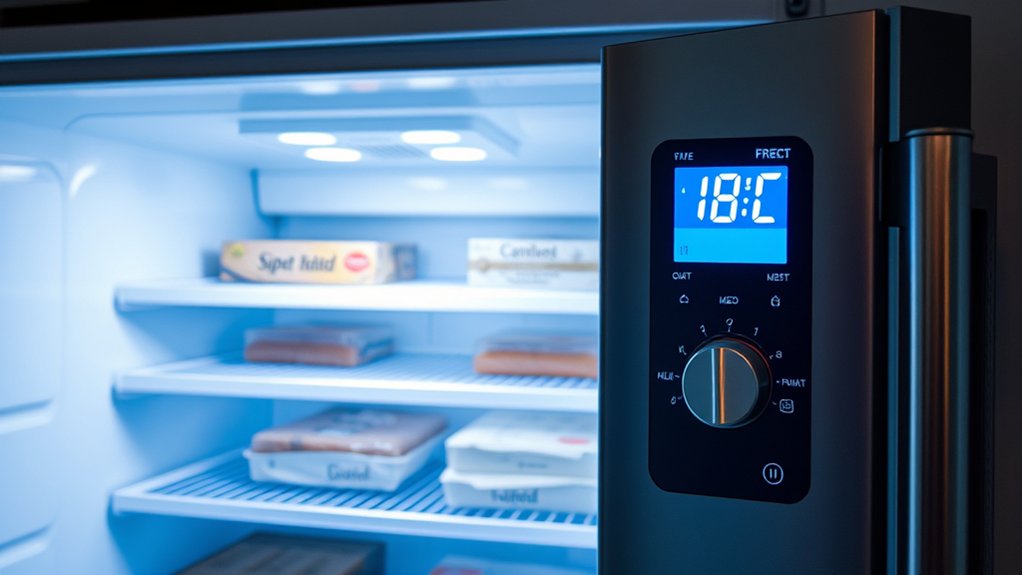
Now that you’ve checked the temperature, it’s time to adjust the settings based on your freezer type. Top-freezer, chest, and drawer models may use different controls, so check your brand’s manual or online guide for the recommended temperature and any model-specific details. Then make small adjustments and monitor the freezer with a thermometer until the temperature stays consistent.
Setting Controls By Type
Since freezers come with different control styles—dials, digital panels, or smart apps—you’ll need to adjust settings according to the type you have. Mechanical dials are simple: turn toward colder in small steps, wait 24 hours, then fine-tune for energy efficiency and noise reduction.
Digital panels let you set exact degrees; use that to hit the ideal -18°C (0°F) and monitor for stability. Smart apps offer remote control, scheduling, and alerts. Use presets and vacation modes to save energy.
- Dials: adjust gradually, avoid wide swings.
- Digital panels: input target temp, verify with a thermometer.
- Smart apps: use schedules, enable alerts, track performance.
Brand-Specific Temperature Guides
Different brands put their own spin on controls and calibration, so you’ll want to follow brand-specific guidance after you’ve learned how your control type works. Check your manual or manufacturer app for recommended setpoints. Many list the best Fahrenheit or Celsius range and explain how to interpret digital readouts.
Some brands include adaptive features that adjust cycles for energy efficiency. Enable those if you want lower power use without manual tinkering.
Others offer manual dials that may need slight offsets compared with the ideal temperature. Pay attention to brand notes about door seals and placement, since poor sealing increases frost buildup and forces the compressor to run more.
If guidance seems unclear, contact customer support for calibration tips tailored to your model.
Fine-Tuning For Performance
When you want peak performance, tweak settings based on freezer type and brand so you get steady, safe temperatures without wasting energy. You’ll adjust differently for chest, upright, or drawer freezers and for specific brands with known quirks.
Begin with Temperature calibration using an appliance thermometer and log readings over 24 hours. Prioritize Energy efficiency by avoiding overcooling and using recommended settings.
- Set baseline: open manual, set to manufacturer-recommended temp, then verify with thermometer.
- Fine-tune: if readings drift, adjust in small increments and recheck after several hours.
- Maintain: defrost if needed, keep coils clean, and limit door openings to stabilize temps.
This approach keeps food safe, cuts energy waste, and extends freezer life.
Best Freezer Temperatures for Meat, Fish, Produce, and Ice Cream
Although freezer settings often default to a single temperature, you’ll get the best results by tailoring the dial to what you store.
For long-term meat and fish storage, keep the freezer at 0°F (-18°C) or slightly colder to stop bacterial growth and preserve texture. Vacuum-sealed cuts tolerate deeper cold for longer without compromising quality.
For delicate fish, flash-freeze if possible to lock in moisture and flavor.
For most fruits and vegetables, a slightly warmer setting around 0°F to 5°F (-18°C to -15°C) preserves cell structure and nutrients while avoiding excessive ice crystallization.
Set ice cream slightly warmer than other items, about 0°F to 5°F (-18°C to -15°C), so it stays scoopable and maintains creaminess.
Balance these targets with energy efficiency by avoiding needless overcooling. Monitor for frost buildup, which signals airflow or sealing problems that can alter temperatures and waste power.
Adjust shelving and grouping to keep consistent zones without overworking the compressor.
Prevent Freezer Burn : Without Overcooling
If you want to prevent freezer burn without overcooling, focus on reducing air exposure and moisture loss rather than lowering the temperature. You’ll keep food quality by sealing items well, grouping similar packages, and minimizing open-air time.
Prevent freezer burn by minimizing air exposure and moisture loss—seal, group, and limit open-air time.
Freezer organization helps you rotate stock so older items get used first and avoid repeated thawing and refreezing. Temperature monitoring remains important to ensure stable conditions, but don’t rely on colder temps to fix poor packaging.
- Wrap tightly: use vacuum sealers or double-wrap with airtight containers to block air and moisture.
- Portion and label: freeze in meal-sized batches, label dates, and store by category to speed access and limit door openings.
- Avoid overpacking: leave some airflow space so the freezer cools evenly and items don’t thaw when you open the door.
Follow these steps and you’ll prevent freezer burn efficiently without unnecessarily lowering your freezer’s set point.
Save Energy: Set the Right Temp and Boost Efficiency
You’ve tightened packaging and organized your freezer to prevent freezer burn, and now you can focus on saving energy by setting the right temperature and improving efficiency. Aim for about 0°F (-18°C): it’s cold enough to keep food safe without forcing the compressor to run constantly.
Check your owner’s manual for the recommended setting, then perform simple temperature calibration with an appliance thermometer. Place it in the center and read it after 24 hours to confirm accuracy.
Keep door openings brief and avoid overfilling, which blocks airflow and makes the motor work harder. Defrost manual-freezers when ice build-up exceeds 1/4 inch because excess frost reduces cooling efficiency.
Clean condenser coils annually to help the compressor run less. If your unit has an energy-saving mode or an adjustable thermostat with a swing setting, use it.
Small habits add up. Maintaining proper seals, monitoring temperature calibration, and choosing the right set point are effective energy conservation steps that lower bills and extend appliance life.
Organize Your Freezer So Temperature Stays Consistent
When you arrange items with airflow and access in mind, the freezer maintains a steadier temperature and your food stays fresher longer. You’ll want to group like items, label containers, and avoid overpacking so cold air circulates freely.
Stack flat items and use bins for small packages to prevent blocking vents. Keep frequently used items at the front to reduce door-open time, which preserves temperature and improves energy efficiency.
- Rotate older items forward so you use them first, minimizing door time.
- Reserve a clear top shelf for quick grabs to limit how long the door’s open.
- Use airtight, uniform containers to reduce dead space and keep airflow steady.
Position heavy items on lower shelves for stability, and leave a small gap between the wall and larger frozen goods to aid circulation.
These habits also help your freezer run more smoothly, contributing to noise reduction and longer appliance life.
Troubleshoot Warm Spots, Frosting, and Temperature Swings
Even with good organization, your freezer can still develop problem areas like warm spots, excess frost, or fluctuating temperatures that threaten food quality.
If you find warm spots, check door seals for gaps and feel for cold airflow from vents. Rearrange items so vents aren’t blocked, and avoid overpacking.
For frost buildup, defrost manually if your model isn’t frost-free. Remove ice before it insulates coils and reduces energy efficiency.
Clean coils and check the condenser fan for dust or obstructions, since clogged coils can cause temperature swings.
If temperatures jump, monitor them with a freezer thermometer over 24–48 hours. This can reveal patterns tied to cycling, door openings, or a failing thermostat.
Replace worn gaskets and ensure proper clearance around the unit for ventilation. On self-defrost models, test the defrost timer and heater.
When problems persist, call a technician to diagnose refrigerant, compressor, or control issues. This helps prevent food spoilage and higher energy bills.
Why 0°F (−18°C) Matters for Food Safety and Quality
Keeping your freezer at 0°F (−18°C) stops most bacterial growth, which helps reduce the risk of foodborne illness while food stays frozen. It also helps preserve texture by limiting the formation of ice crystals that can damage the food’s cell structure. Keep the temperature steady, and you’ll help protect both safety and quality.
Prevents Bacterial Growth
Because most bacteria and enzymes slow dramatically at freezing temperatures, setting your freezer to 0°F (−18°C) stops microbial growth and preserves food quality. You’ll prevent spoilage and reduce the risk of foodborne illness because bacteria can’t multiply at that point.
Keep containers sealed to limit freezer odors and avoid cross-contamination. Odors signal compromised packaging, not active bacterial growth. Also manage ice buildup, which can insulate items and raise local temperatures.
- Freeze promptly: cool leftovers within two hours to limit bacterial survival.
- Seal well: airtight wrapping keeps odors out and bacteria from other foods away.
- Monitor: check temperature regularly and defrost when ice buildup exceeds manufacturer recommendations to maintain safety.
Preserves Food Texture
When you set your freezer to 0°F (−18°C), ice crystals form slowly and stay small, which helps keep cell walls intact and preserves the original texture of meats, fruits, and vegetables. You’ll notice less mushiness after thawing because small crystals do less damage, so cooked dishes and raw produce keep their bite.
Proper freezer maintenance, including avoiding temperature swings, not overloading, and sealing packages, reduces food dehydration and freezer burn. Rotate and label items so you use older food first and maintain consistent cold. Quick freezing and stable temperature protect quality and safety.
| Item | Effect of small crystals | Tip |
|---|---|---|
| Meat | Retains juiciness | Freeze flat |
| Fruit | Keeps firmness | Use airtight packs |
When to Call a Technician or Replace Your Freezer
If your freezer stops maintaining the right temperature, makes loud or unusual noises, or shows ice buildup and frost that won’t go away, call a technician. These are signs of failing components rather than normal wear.
You’ll want a pro to check temperature calibration, refrigerant levels, seals, and fans before deciding to replace the unit. Technicians can often restore efficiency, which helps energy conservation and lowers bills.
When to repair versus replace depends on age, cost, and damage:
- Call a technician if the unit is under 7–10 years, has erratic temperature swings, or shows mechanical noises.
- Consider replacement if repairs exceed 50% of a comparable new unit’s cost, or if cooling parts are obsolete.
- Replace immediately if there’s major compressor failure, widespread corrosion, or repeated leaks that compromise safety.
Keep service records and compare repair estimates to replacement prices. This will help you make a clear, economical choice.
Frequently Asked Questions
Can Freezer Temperature Affect Appliance Warranties or Insurance Claims?
Yes, freezer temperature can affect warranty implications and insurance considerations. You’ll need to follow manufacturer guidelines; failing to maintain recommended temperatures or prove proper use can void warranties.
For insurance, you’ll have to document that temperature controls worked and that the loss wasn’t due to neglect. Keep logs, thermometers, and repair records.
If you’re unsure, contact your warranty provider and insurer promptly to confirm coverage and required evidence.
Do Smart Freezers With Wi‑Fi Need Different Temperature Settings?
Yes, you don’t need different temperatures just because a freezer’s smart. You’ll still set proper cold levels, but smart freezer calibration and Wi-Fi temperature control help you monitor and fine-tune remotely.
Use preset targets, check sensors, and adjust if readings differ. Smart freezers can alert you to deviations faster, helping you maintain consistent temperatures and catch issues before food spoils or warranties are affected.
How Do Altitude and Humidity Influence Freezer Performance?
Sure, nature won’t always cooperate, but you can control the conditions. Altitude lowers air pressure, so your freezer’s compressor may work harder and cooling cycles may take longer.
You might need a slightly lower setpoint or more frequent maintenance. High humidity can also cause frost and ice buildup, leading to longer defrost cycles and poorer heat exchange.
Monitor performance, keep the door seals tight, and use a hygrometer. Adjust the settings and service the unit as needed.
Can Freezer Temperature Impact Long‑Term Nutritional Value?
Yes, freezer temperature stability directly affects frozen nutrient preservation. If you keep your freezer consistently cold, you’ll slow enzymatic activity and oxidation that degrade vitamins and lipids, preserving nutrients long-term.
Frequent temperature swings or warm settings can cause ice crystal growth and loss of texture and micronutrients. You should monitor and maintain a steady temperature, use proper packaging, and avoid thaw-refreeze cycles to maximize nutrient retention.
Are There Specific Temperatures for Storing Homemade Baby Food?
Yes, you should keep homemade baby food at 0°F (-18°C) for long-term storage and 32–40°F (0–4°C) for short-term use.
Follow food safety guidelines: freeze batches for up to 3 months for best quality, and note the storage date on each container.
Thaw food in the fridge and use it within 24–48 hours. Discard anything with off smells, colors, or textures to protect your baby’s health.
Conclusion
Keep your freezer at 0°F (−18°C) to keep food safe and fresh, like a silent glacier preserving summer’s fruit. Check the temperature with a refrigerator thermometer, adjust the settings as needed, and organize food so cold air can flow freely.
This simple routine helps prevent frost and freezer burn without overcooling. If you notice warm spots or temperature swings, troubleshoot the issue or call a technician.
A steady, icy hum means your freezer is working properly, keeping meals ready and flavors locked in until you’re ready.